Starting a YouTube channel can be exciting yet daunting, especially in a competitive market. Some creators begin from scratch, while others explore established accounts through the YouTube channel marketplace Hypertube, where channels are available for purchase. Whichever route you choose, having the right tools can make all the difference. Here is a guide to the essential apps for YouTubers that can streamline content creation, improve video quality, and support long-term audience growth.
Video editing apps
Great editing is the foundation of great content. Here are some of the best mobile video editing apps for creating polished, professional videos.
KineMaster
KineMaster is a powerful editing app that lets you create professional-quality videos directly from your smartphone.
- Features:
-
- Multi-layer video editing.
-
- Real-time recording.
-
- A wide range of transitions and effects.
Adobe Premiere Rush
Adobe Premiere Rush is a user-friendly editing app that syncs seamlessly with Adobe Premiere Pro on desktop.
- Features:
-
- Intuitive interface.
-
- Cross-device syncing.
-
- Built-in camera functionality.
Channel management and analytics
Effectively managing your YouTube channel is essential for growing your audience and maximising your reach. This applies whether you are building a new presence from scratch, managing several brand accounts, or evaluating YouTube channels for sale as a faster route into an established niche. In every case, the right tools help you understand performance, improve content decisions, and develop the channel sustainably. Here are some of the best platforms for tracking and managing your channel’s performance.
TubeBuddy
TubeBuddy is an essential tool for managing your YouTube channel.
- Features:
-
- SEO optimisation tools.
-
- Thumbnail generator.
-
- Keyword research and analytics.
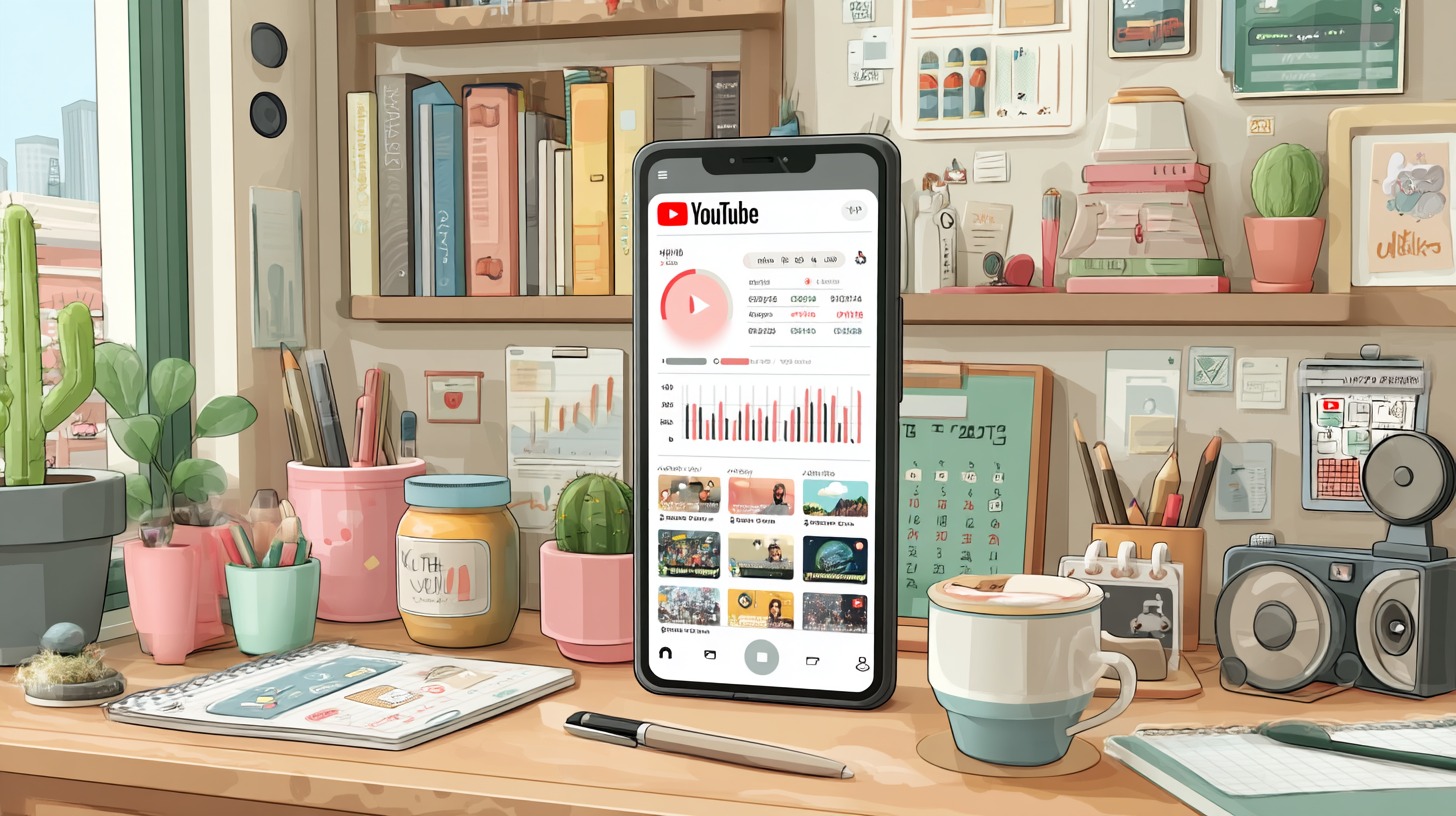
YouTube Studio
YouTube’s official app makes it easy to manage your channel on the go.
- Features:
-
- View analytics and performance metrics.
-
- Edit video titles, descriptions, and tags.
-
- Respond to comments directly.
Thumbnail and graphic design
A strong thumbnail can significantly impact your video’s click-through rate. Here are the best apps for creating stand-out visuals.
Canva
Canva is a versatile design tool, great for creating thumbnails and social media graphics.
- Features:
-
- Drag-and-drop interface with templates.
-
- Extensive library of images and icons.
Adobe Spark Post
Adobe Spark Post is a straightforward graphic design app, ideal for creating eye-catching thumbnails.
- Features:
-
- Professionally designed templates.
-
- Animations and effects.
Screen recording and live streaming
Whether you’re making tutorials, recording gameplay, or going live, these apps make it easy to capture and stream high-quality content.
AZ Screen Recorder
AZ Screen Recorder is a reliable option for screen recording tutorials or gameplay videos.
- Features:
-
- No time limit on recordings.
-
- High-definition video capture.
Streamlabs
Streamlabs is a comprehensive live streaming app that integrates with YouTube, Twitch, and Facebook.
- Features:
-
- Customisable themes and overlays.
-
- Real-time alerts and notifications.
Build an efficient YouTube workflow
The best creators do not rely on a single app. Instead, they combine several tools into a streamlined workflow that saves time and improves consistency. For example, you might record footage with your smartphone, edit it in KineMaster or Adobe Premiere Rush, design a custom thumbnail in Canva, optimise the title and keywords with TubeBuddy, and then publish and monitor performance through YouTube Studio.
Using dedicated tools for each stage of production also makes it easier to identify what drives results. Analytics can reveal which thumbnails generate more clicks, which editing style keeps viewers watching longer, and which publishing schedule delivers the strongest engagement. Over time, this workflow becomes more efficient, allowing you to focus less on repetitive tasks and more on creating content that grows your audience.